

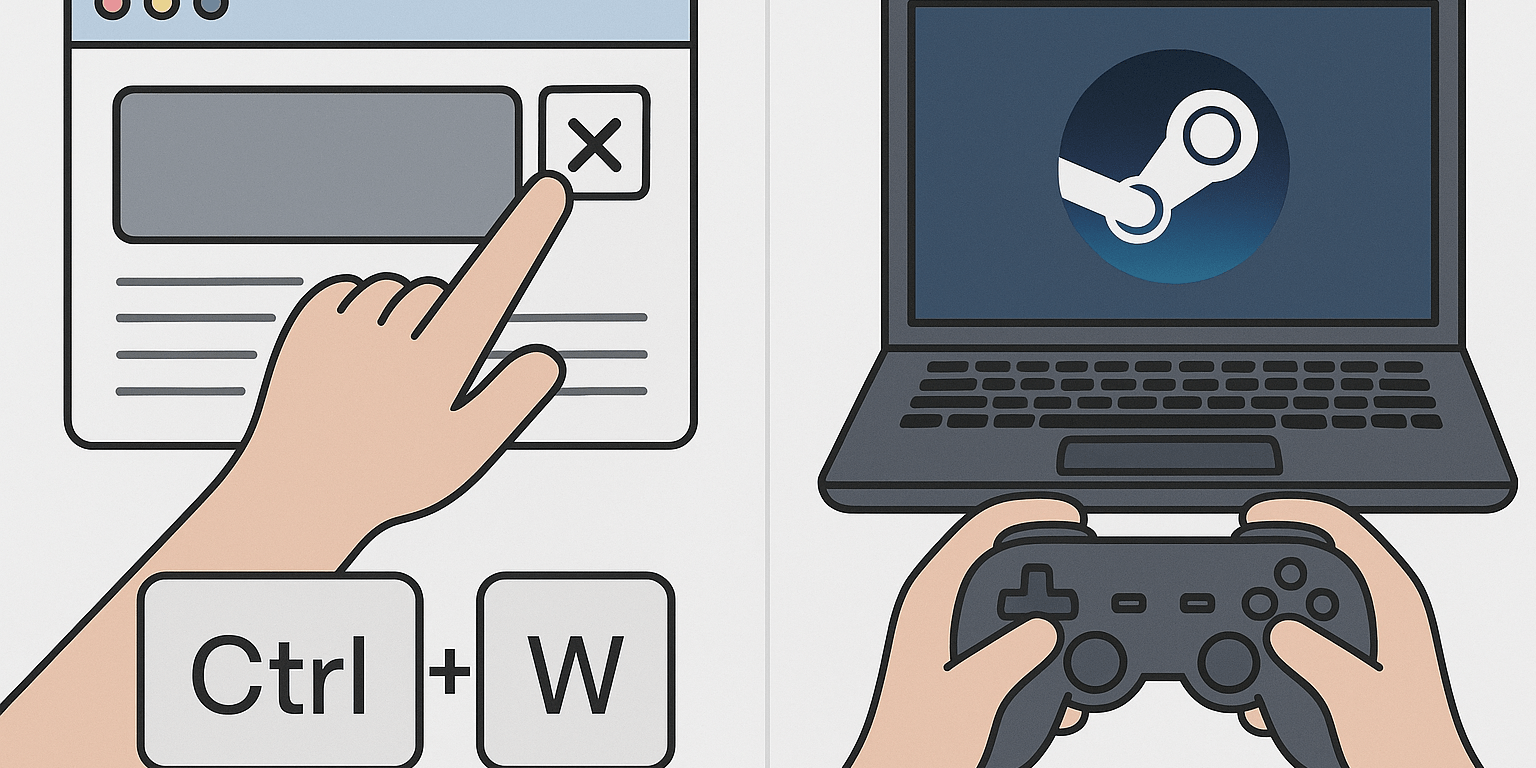
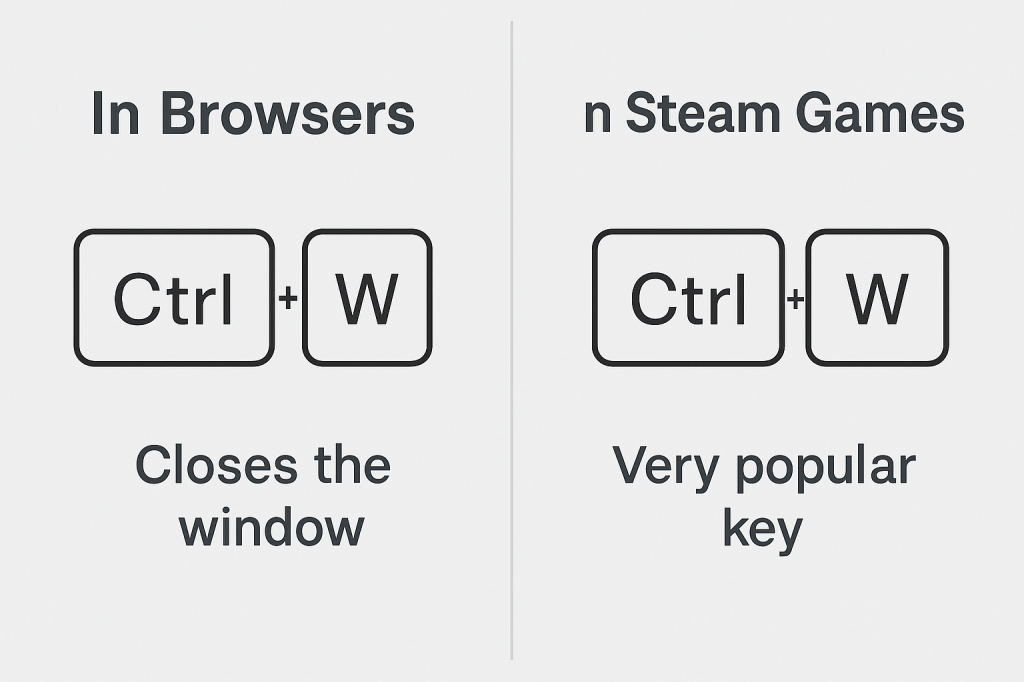
If you spend time both gaming and browsing the web, you’ve probably run into this strange situation: the same combination of keys means two very different things depending on where you are. In browsers, pressing CTRL + W closes your current tab or window instantly. It’s meant to save time, but it can also ruin your workflow with a single slip of your fingers.
In Steam games, the W key is the exact opposite. It’s not about shutting things down but about moving forward. W is the most pressed key on a keyboard for gamers. From FPS shooters to RPG adventures, W is what gets your character running, exploring, and staying alive. That difference creates an interesting clash of habits that every gamer has noticed at least once.
Why CTRL + W Matters in Browsers
Web browsers were built with shortcuts in mind. The developers behind Google Chrome, Mozilla Firefox, Microsoft Edge, Opera, and Apple Safari wanted users to move fast.
- CTRL + T opens a new tab.
- CTRL + L highlights the address bar.
- CTRL + W closes your tab so you can instantly get rid of clutter.
The idea is good in theory. If you’re working with dozens of tabs open, CTRL + W is your best friend. You can go from twenty tabs to just a few with a simple rhythm of finger movements. The problem comes when that shortcut gets triggered by accident. Maybe you wanted to press CTRL + E for search. Maybe your pinky finger slipped. Suddenly the website or video you were using is gone, and you’re scrambling to reopen it.
Why W is the King of Gaming
In the world of PC gaming, W is not just a key. It’s muscle memory. Since the early days of WASD controls, W has always been assigned to forward movement. You press W to move ahead, W to sprint into battle, W to get out of danger. Gamers often joke that their W key is worn out faster than any other.
On Steam, this becomes even more visible. The majority of top games rely on WASD for character control. Whether it’s Counter-Strike, Dota, or survival crafting games, the left hand stays locked on WASD with W being the centerpiece. For many gamers, not pressing W feels like not breathing.
The Awkward Overlap
Now imagine you’re playing a browser-based game or testing a Steam title that has web integration. Maybe crouch is mapped to CTRL, and forward is mapped to W. You press them together like you’ve done a thousand times before. Instead of crouching forward in the game, the browser instantly closes the tab. Rage builds, progress is lost, and you’re left staring at your desktop.
This overlap has frustrated countless players. Some game developers even design their web games to block browser shortcuts because they know how painful this mistake can be. Losing a high score or disconnecting from an online match because of CTRL + W feels unfair. It’s not a skill issue, it’s just the browser taking control when you didn’t want it to.
Why This Difference Exists
The real reason behind the clash is simple. Browsers were never designed with gaming in mind, while gaming evolved with its own set of standard controls. CTRL + W is logical in a productivity environment, but it makes no sense when games enter the picture.
Steam and other gaming platforms embraced WASD because it felt natural for movement. The left hand covered WASD while the right hand handled the mouse. Over time, every new game copied the same formula until it became universal. Browsers never adapted to that culture, so the shortcut stayed.
Developers Tried to Solve It but No Luck
Game developers and browser developers have both recognized the CTRL + W problem. Many web game creators experimented with ways to block or override browser shortcuts so that pressing CTRL + W would only act inside the game. For a while, some hacks worked by capturing keyboard events in JavaScript.
But browser makers quickly shut that down. Chrome and Firefox reinforced strict security rules so that no website could block system-level shortcuts. The logic was clear: browsers must stay in control to protect users from malicious sites.
On the gaming side, developers tried moving crouch keys away from CTRL or offering alternative bindings by default. Some suggested SHIFT + W or even unusual setups like caps lock crouch. Yet players often rebind controls back to their old habits, which means the problem never goes away.
In the end, no universal fix has ever worked. Browsers will always protect their shortcuts, and gamers will always press W more than any other key. The clash remains, no matter how much developers try to patch around it.
Gamers vs Browsers: Who Wins?
For gamers, W will always mean forward. It represents speed, action, and progress. For browsers, CTRL + W will always mean closing something. It represents cleaning up, removing, and shutting down. Both are important in their own ways, but when they collide, gamers are the ones who lose out.
The good news is that there are ways to avoid the clash. Extensions exist that can disable CTRL + W in Chrome, Firefox, or Edge. Some players remap their crouch button to SHIFT instead of CTRL. Others stick to fullscreen modes that ignore browser shortcuts entirely.
Why This Makes a Great Gamer Story
Think about it: W is probably the most loved key in gaming. CTRL + W is probably the most hated shortcut for gamers. They exist right next to each other on the keyboard, creating a constant battle between productivity and play. Every gamer has at least one story of losing progress because of it.
In a way, this overlap highlights how different the worlds of work and play can be on the same device. The same keyboard can be your office tool in the morning and your battle station at night. The same key can either close your work tab or lead your character to victory.
Conclusion
CTRL + W and W will never truly get along. One is a shortcut that browsers rely on for speed, the other is the most important key in Steam games. For gamers, this strange overlap is both funny and frustrating.
Maybe one day browsers will add a “gamer mode” that disables certain shortcuts when a game is running. Until then, the safest move is to be careful where your fingers land. After all, in games, pressing W keeps you alive. In browsers, pressing CTRL + W closes everything you love in a second.
 Fps Io Games